

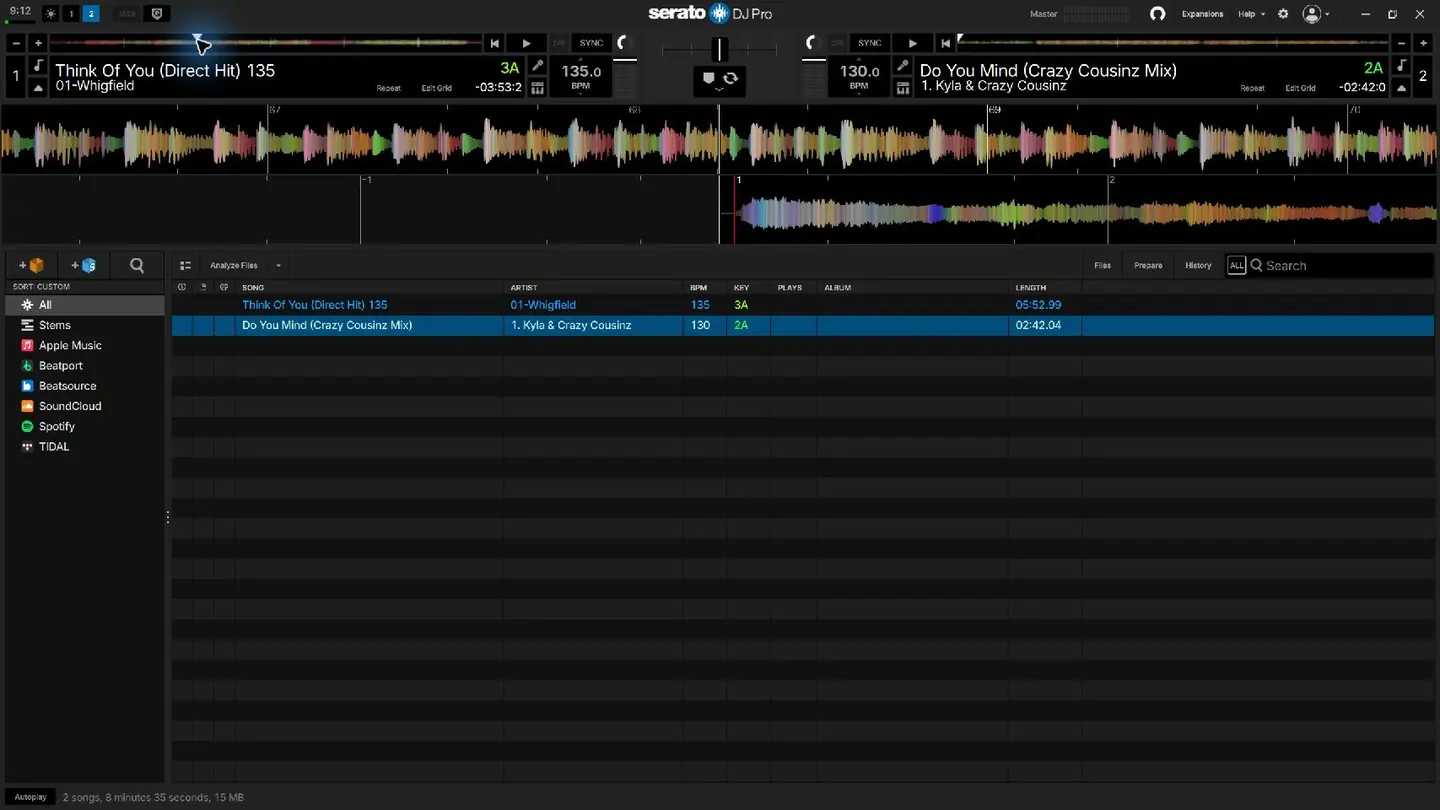
Serato DJ Pro 4.0.10 in Practice Mode, captured on Anthony Styles’s computer.
Screenshot: Anthony Styles · Serato DJ Pro 4.0.10
Serato DJ Pro 4.0 changes the part of a DJ setup that gets used before a record reaches the decks: the library. Crate sorting, favorite crates, colors and track ratings give DJs more ways to arrange a collection and find something in it.
The practical question is which of those tools removes a step from preparation. A color scheme needs a purpose. So does a rating. Adding both without deciding what they mean can leave a collection more decorated and just as difficult to search.
The library first appeared in an August 2025 beta. It is now included in the standard 4.0.0 release.
Serato DJ Pro 4.0 gives crates a clearer hierarchy
Crate Sort offers alphabetical order, creation date or a custom arrangement. Favorite Crates puts shortcuts at the top of the list. Colors distinguish crates, while Crate Info displays track count, total playing time and size.
Consider a DJ preparing an opening set and a later dance-floor set. Pinning those two crates puts the immediate jobs in reach without rearranging the whole collection. Their combined playing time can help with preparation, although it is not the running time of a mixed set: transitions, loops and shortened tracks change that.
A useful color rule is one that answers a question at a glance. If colors mark set roles, keep that meaning consistent. If they mark preparation status, use them for that instead. Combining unrelated meanings makes the next decision slower.
Ratings work when they mean one thing
The release adds a Rating column, a right-click action that shows every crate containing a selected track, streaming tracks in crates, and analysis on import or with hardware connected.
Choose one job for ratings before scoring the library. They could indicate how well a track is known or how often it fits a particular set. Those are different judgments. A familiar warm-up record and an unfamiliar peak-time record cannot be compared reliably if the same rating sometimes measures familiarity and sometimes energy.
Try the system on a small crate first. Search for a specific request, locate a suitable follow-up, then check where both records are filed. That exercise tests the arrangement against decisions a DJ actually makes.
Preserve the collection before changing the software
Serato’s backup instructions cover the _Serato_ folders, the separate Library folder and the music files. External drives may hold their own _Serato_ folders. A copy of the computer’s Music folder alone may therefore miss part of the setup.
After backing up and updating, connect the controller used at gigs. Load local files, inspect familiar cues and switch between the crates used most often. Test any streaming service separately. Do that rehearsal before the next booking, while there is time to investigate a missing file or an unexpected control response.