

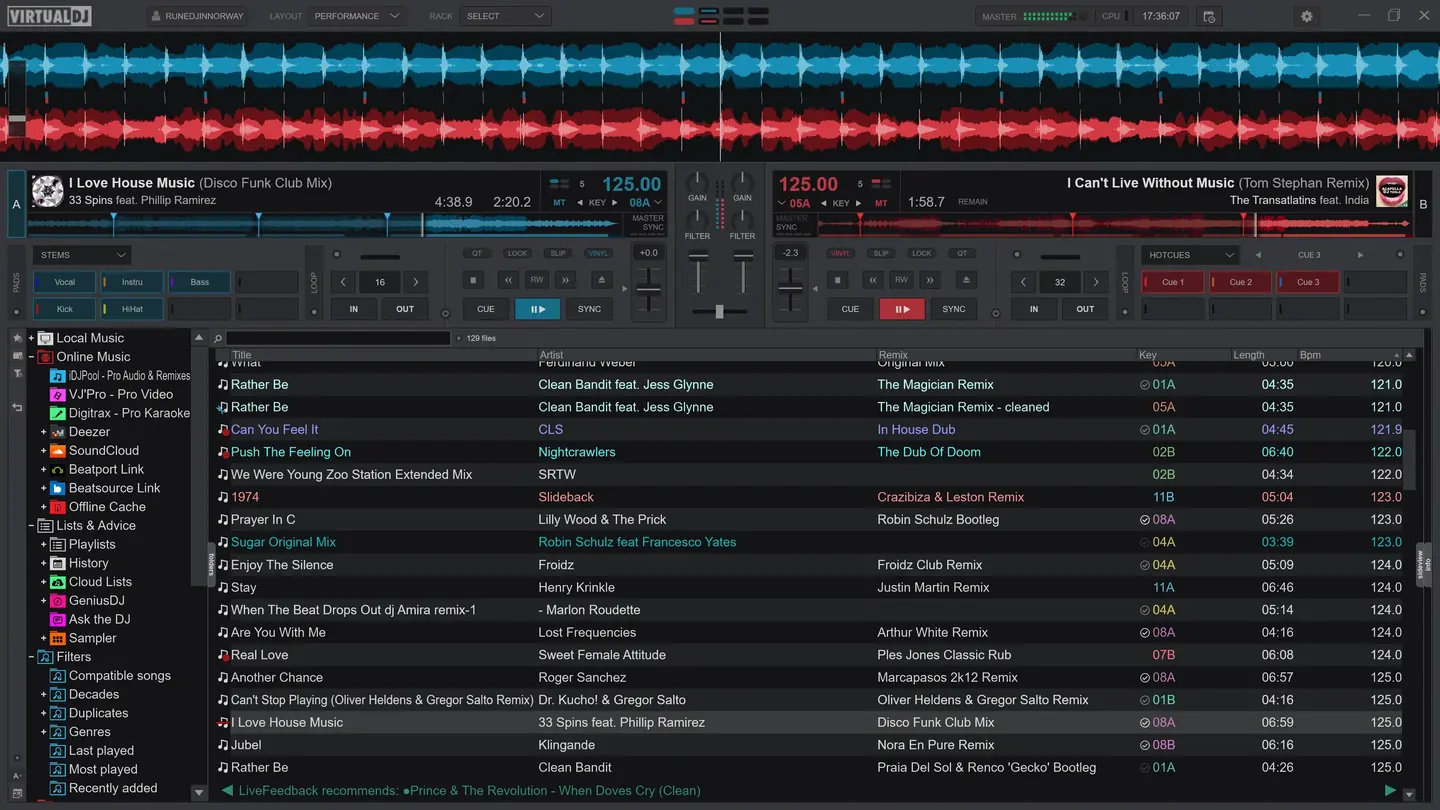
VirtualDJ’s Performance interface, from the manufacturer’s 2021 press package.
Image: Atomix Productions / VirtualDJ press materials · Image source · Usage rights
VirtualDJ 2026 Part 3 adds two different uses for AI: speech played to the audience and instructions that customize the software. Atomix’s standard changelog dates build 9644 to September 21, 2026.
ShoutOut changes what listeners hear. AI Scripting changes what a DJ’s setup does. Both need a rehearsal, but the useful checks are different: pronunciation and playback level for an announcement; predictable behavior for a scripted action.
VirtualDJ 2026 ShoutOut begins with typed words
The ShoutOut manual describes generating speech from text, choosing a delivery style and voice, previewing through PFL, then playing the result over the master output. Generated audio can also be saved to the sampler. A Pro license is required.
This is text-to-speech. The DJ writes the words before the software produces the voice. A venue announcement, a name or a DJ drop therefore needs to be checked as an audio file, even if the written message is correct.
Start with a short phrase containing the venue name. Generate it, listen in headphones, and check the name’s pronunciation. If a word comes out incorrectly, revise the text or choose another voice and preview the new result. Listen to the entire announcement before sending it to the audience.
Playback is a second decision. The manual provides volume and talk-over controls, including ducking and stem-related options. Test the announcement against the music being played. A setting that works over a sparse intro may behave differently over a track with a prominent vocal.
Confirm the message with the venue before generating it. A clear recording of the wrong closing time still gives the audience the wrong information.
Give a scripted change a measurable job
Atomix describes AI Scripting as customization through natural-language commands. The useful starting point is a specific action the DJ can observe, rather than a broad request to improve the setup.
For a practice session, write down the current behavior of one control and the behavior wanted instead. Ask for that change, then test it in isolation. Check the result with a track loaded and with the controller connected, and repeat the action enough to see whether it behaves consistently.
Keep the previous mapping or script so the change can be reversed. Compare the generated action with the behavior you requested before assigning it to a performance control.
Keep the release timeline straight
Part 2, dated March 31 in the standard changelog, introduced Fluid Beatgrids, a BPM Stabilizer and AI visuals. Part 3 adds speech generation and scripting.