If your DJ controller stopped showing up in Serato, rekordbox, djay or VirtualDJ after a Windows update, or it connects but does not respond, the cause is probably Windows MIDI Services. That is Microsoft's new MIDI system, which reached Windows 11 versions 24H2, 25H2 and 26H1 during 2026.
What changed
The new MIDI system first switched on with the January 2026 preview update, KB5074105, and kept rolling out through later updates, including KB5077181 and KB5077241. It takes control of connected MIDI devices before the older system that many DJ apps and drivers still rely on can see them.
Which controllers were hit
- inMusic brands (Rane, Denon DJ, Numark): the hardest hit. Microsoft says their drivers locked up the MIDI service, and devices like the Rane Four and Rane Performer looked dead.
- Older Hercules controllers: models that use the old DirectMusic driver, such as the DJ Console Mk2, Mk4, Rmx and 4-Mx, DJ 4Set, DJ Control Steel and DJ Control MP3. Microsoft says DirectMusic is not supported in the new system.
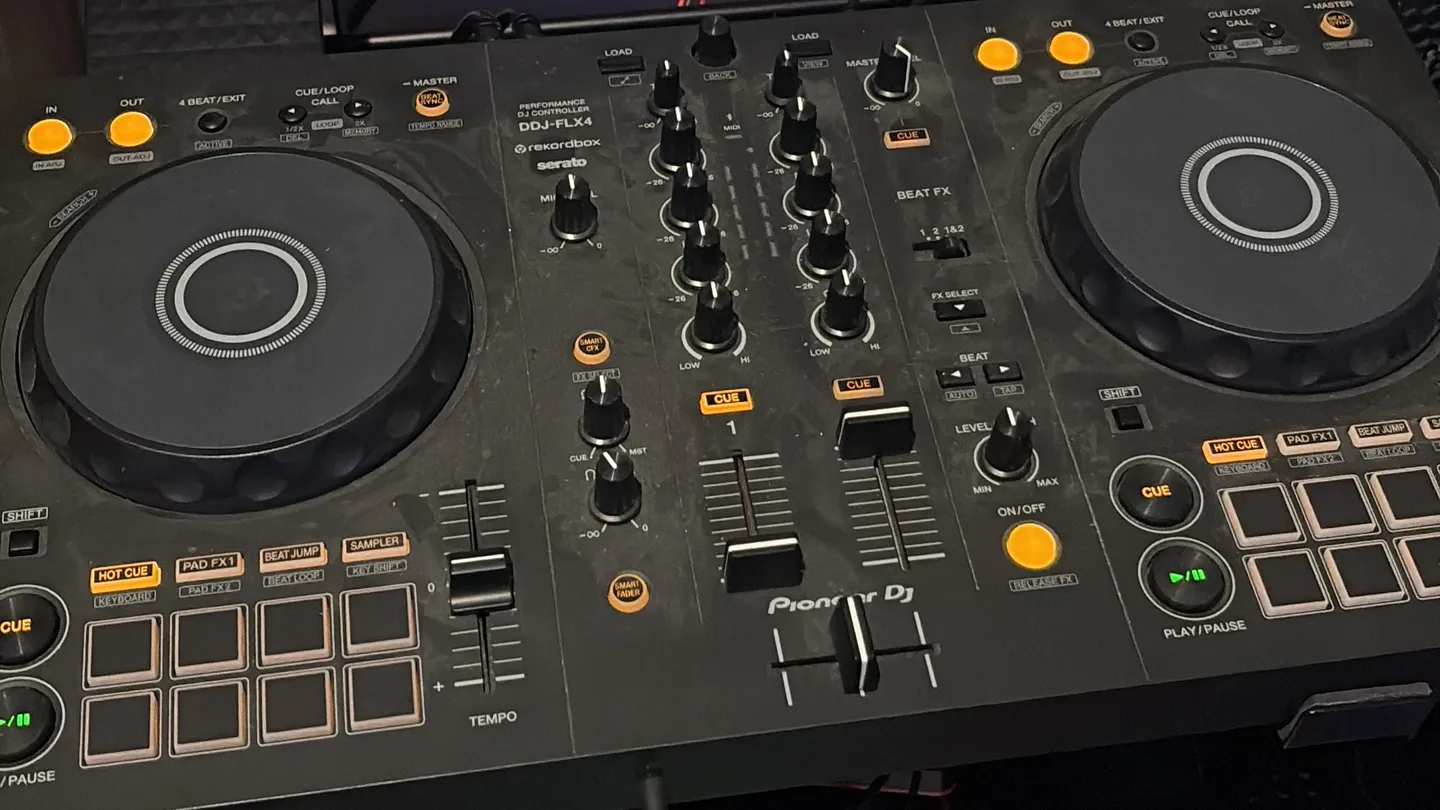
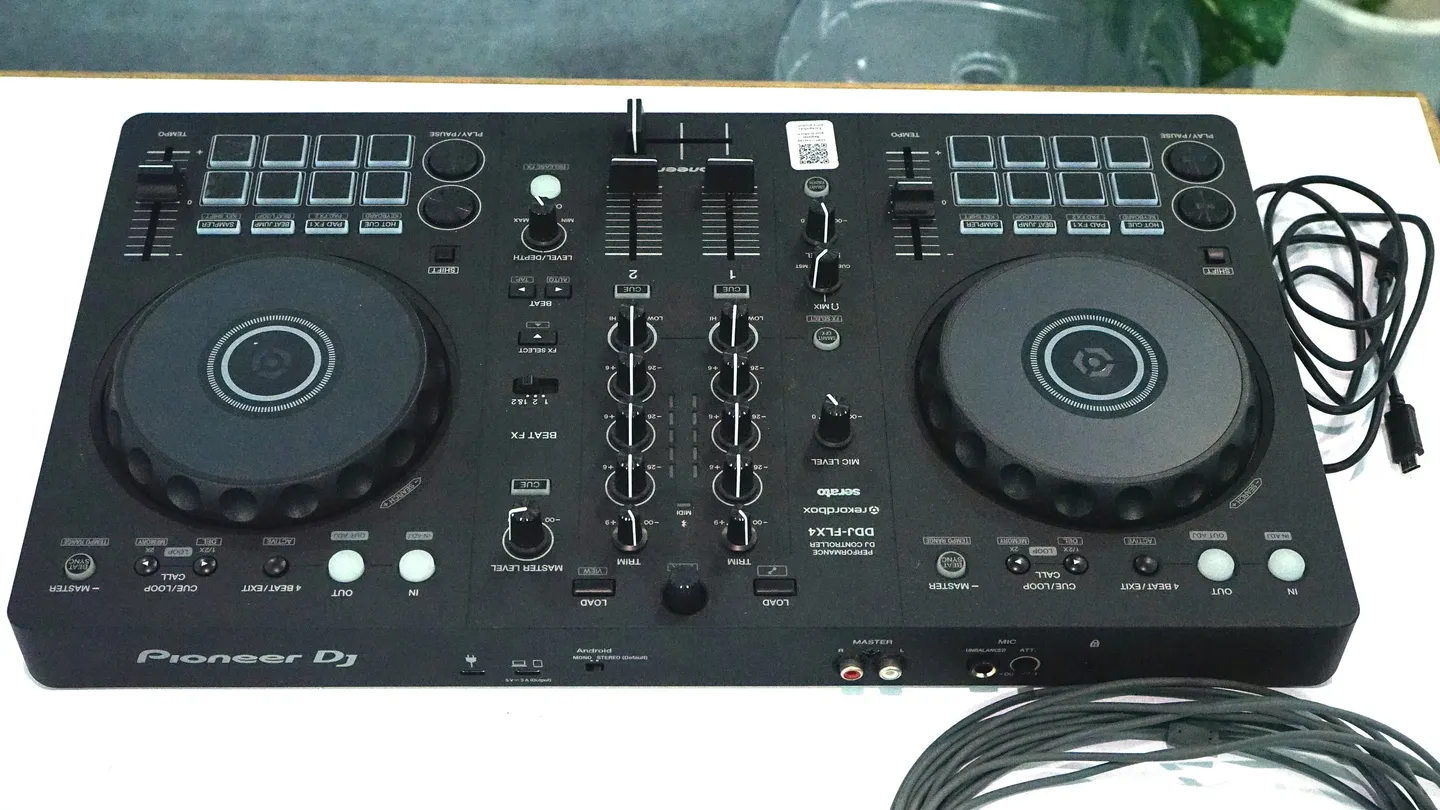
- Some Pioneer DJ DDJ units: problems were reported in rekordbox and djay, though fewer of them.
Has Microsoft fixed it?
Mostly. Microsoft says it has released a fix at the end of each month since January. On April 30 it began rolling out four more, covering the inMusic lock-up, the timing of MIDI messages and controllers that showed up twice under the same name. Microsoft also said it planned to let older devices switch back to the old MIDI system. Its advice is clear: install the latest updates rather than uninstalling them, because uninstalling also removes the fixes.
How to fix your controller, step by step
- Update everything. Install all Windows updates, then update your DJ software and your controller's driver or firmware from the maker's site.
- Connect in the right order. Plug in and power on the controller first, then open your DJ software. With Serato, close the software before you unplug the controller.
- Run Microsoft's MIDI check tool. Microsoft's enablement checker, linked from inMusic's support article, tells you whether the new MIDI system is active on your PC.
- Install the WinRT MIDI 1.0 timestamp fix. Microsoft posted it on its MIDI GitHub page, and Algoriddim recommends it for djay.
- Remove ghost devices. In Device Manager, choose View, then Show hidden devices. Uninstall the faded duplicate entries for your controller, then reconnect it.
- Try class-compliant mode. Uninstall the maker's driver and let Windows use its built-in MIDI driver. inMusic suggests this for its controllers.
- Last resort: roll back the update. inMusic and VirtualDJ have told DJs to uninstall KB5074105, KB5077181 or KB5077241 from Settings, Windows Update, Update history, then pause updates. Microsoft advises against it, so only do this if nothing else works and you have a gig coming up. Turn updates back on afterward.
Before your next gig
Do not install a big Windows update the day of a gig. Test your controller at home after every update, keep a backup laptop or USB setup if you can, and update in the middle of the week, not on a Friday. Using Serato? See what changed in Serato DJ Pro 5.0.
Sources
Microsoft: Windows MIDI Services 2026 release, known issues and workarounds
inMusic: MIDI devices not working after Windows update
VirtualDJ wiki: Win11 KB5074105
Digital DJ Tips: A Windows update is breaking DJ controllers
Photo: DJ Home Studio mit FLX4 Controller by Marcel Glanz, Wikimedia Commons, CC BY 4.0


Comments
No comments yet. Be the first.